

Announcements
The Case Western Reserve University FedEx Office has updated its ordering portal with the university’s rebranded business cards, letterhead, envelopes and labels.
All items have been rebranded with the new logo, fonts and colors.
New hours of operation
Monday through Thursday 8:00 AM to 7:00 PM
Friday 9:00 AM to 5:00 PM
Saturday 9:00 AM to 3:00 PM
Questions about signage and ways to orient community members to the new normal as they return to campus? FedEx has some ideas on how they can help!
CWRU community members have the opportunity to ship to the FedEx Office on site and have the package held for pick up.
HOLD AT LOCATION (HAL)
Below is the procedures for HAL:
Package recipients should have the vendor address the package to:
RECIPIENT'S NAME (HAL)
FedEx Office
11111 Euclid Ave.
Cleveland, OH 44106
-
Prior to ordering, a recipient should confirm with the vendor that the shipping method will be FedEx Express or FedEx Ground. Only FedEx Express or FedEx Ground shipments can be accepted at this location.
-
Recipients who are ordering items larger than a 20”x15”x15” box should call the store at 216.229.2111 first to verify capacity allows for a larger delivery. Larger deliveries must be picked up within 24 hours.
-
Hold at location packages may not include dangerous goods, such as dry ice, living animals, or perishable items. For questions around this policy, please call the store at 216.229.2111 to consult with a team member.
-
Recipients should include a valid phone number when placing orders. FedEx team members will call to notify a package has been delivered and ready for pick up within an hour of the package arrival.
-
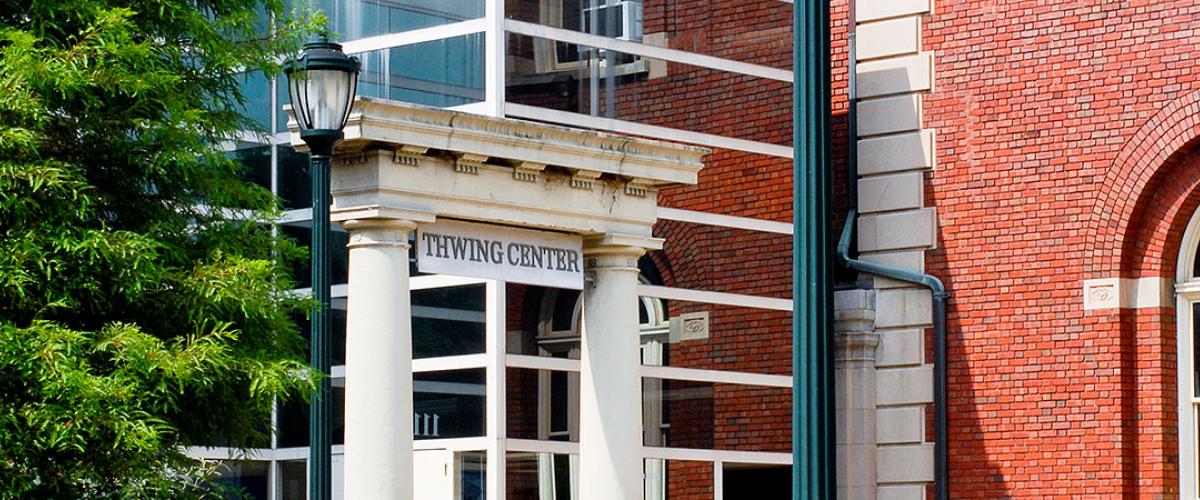
For pick up at Thwing Center, a valid government issued ID is required. Please come to western doors of Thwing (by KSL), if the door is closed, please call 216.229.2111 and a FedEx team member will bring your package(s).
-
For redirecting a package to this FedEx location for pick up after the package has been shipped, call 1-800-463-3339 and a customer service representative will assist you.
THWING CENTER
FedEx Kiosk
The FedEx Kiosk is conveniently located in the Thwing Center Atrium and provides a variety of services to meet the needs for CWRU Faculty, Students & Staff. View a full listing of available services.
POSTER PRINTING
We are happy to confirm that we have negotiated additional poster printing options to our FedEx contract!
The contract pricing is listed below and available at our campus FedEx and all other FedEx locations, except Hotels and Convention centers using the discount number 8400097421 and SKU 40209.
FedEx Kiosk
Thwing Student Center
Phone: 216.229.2111
Email: usa5686@fedex.com
Web: https://www.fedex.com/en-us/office/psg/cwru.html
Print Options:
20# bond, draft quality ink: $2.99/ sq ft
Matte finish heavy weight coated: $5.99/sq ft
*FedEx will offer an additional 20% discount beginning 10 days before Research ShowCASE and all
Intersections events, but orders must be submitted 72 hours in advance
Parking
Worried about finding parking? Don't be. There is 30 Minutes of FREE parking available in Lot S-29 - Campus Center Parking Garage! You can access this underground lot via the entrance on East Blvd. between Severance Hall and Kelvin Smith Library
FedEx Handles CWRU Printing
CWRU contracts with FedEx Office to handle university and student printing needs.


Get Discounts
CWRU print discounts are available off campus at other FedEx Office locations.